



Your public website
- Introduce your business and services
- Present your branding and signal offering
- Direct visitors to registration and sign-in
Bring your website, customer portal, subscriptions, signals, and trading tools together in one whitelabel platform. TradeClan gives you the controls to run the business and your customers the tools to use it.
Give customers a consistent experience as they discover your services, register, connect accounts, and use your trading tools. Manage the business behind that experience through a dedicated owner dashboard.
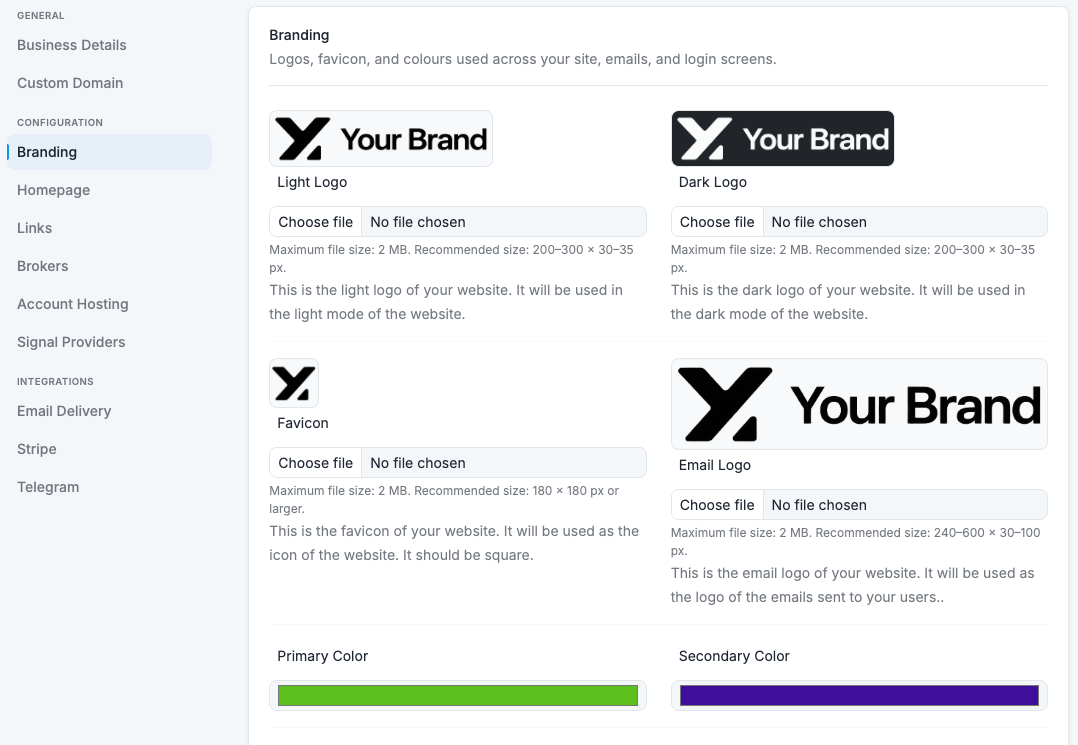
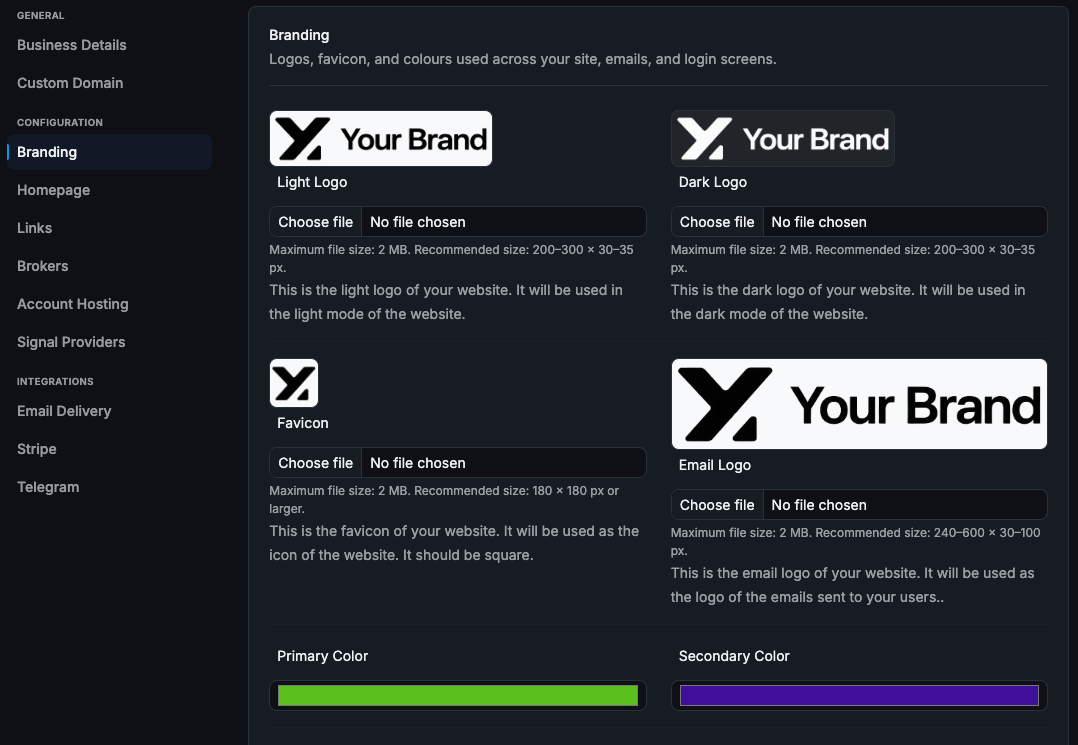
Apply your business name, logos, favicon, and colours across your site and customer experience. Connect a custom domain or begin with your platform subdomain.
Configure your public homepage with introductory content, calls to action, an about section, video, and testimonials. Add navigation links to connect customers with your wider business.
Charge for account access or include it in your membership. You can sell signal subscriptions alongside either option.
[Your price] / month
Per account-hosting resource
Connect your Stripe account and set customer prices for supported account-hosting resources. Offer recurring access through your branded platform.
Account capacity included with your service
Use free allowances to give customers account capacity without a separate platform subscription payment. Make the tools part of your trading community, membership, or wider offering.
Create recurring signal terms with your price, billing interval, currency, and optional trial. Choose whether each term includes notifications, copying access, or both.
Account-hosting payments and signal subscriptions are separate offerings. You can provide free account allowances while selling paid access to your own signals, with the required Stripe setup.
Create customer accounts, update their details, and review connected accounts, subscriptions, and allowances from the owner area.
See resource usage and identify customers exceeding their available account limits. Add administrators to share operational responsibilities, with configurable permissions for branding, homepage, and broker settings.
Publish your own signals, configure access terms, and manage active and inactive followers. Review available follower transactions and associated copiers to support your service.
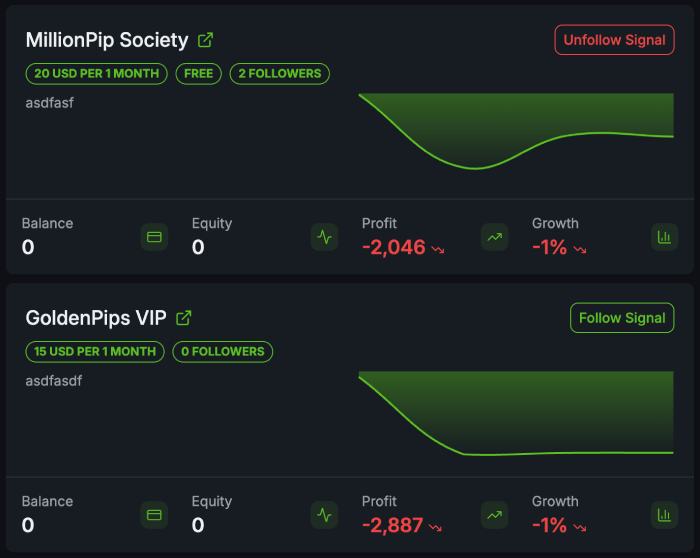
If you want customers to become signal providers, choose whether this is available to all users, selected users, or no users. Set the provider terms they must accept and control whether their signals are visible to visitors.
You also decide whether customer providers can sell paid signals. Eligible providers use their own Stripe accounts; enabling this requires a custom domain and the relevant payment setup.
Explore signal businessOnly the customers you select can become signal providers.
Publish announcements inside your platform and send important updates through email or Telegram when configured.
Announcement
A message from your business, shown in the customer portal.
From: support@yourbrand.com
Service update
Sent through your business email delivery.
Your Brand Bot
Important updates reach customers through your own Telegram bot.
Your platform brings together six trading-tools.
Automated copying with sizing options, symbol exclusions, mappings, and order controls
Strategy discovery, performance information, and access to notifications or copying
Connected-account visibility, performance charts, trade comparisons, and exports
Daily reviews, trade notes, mindset tracking, strategies, and tags
Configurable thresholds with alerts and eligible automated account actions
An economic calendar and embedded TradingView charts for market preparation
Customer access depends on account type, allowances, subscriptions, signal terms, and applicable feature requirements.
Set account limits, choose which broker servers customers can use, and review activity from your owner dashboard.
Choose capacity for read-only accounts, full direct connections, full terminal connections, and dedicated IPs. Review usage and adjust your owner subscription as your requirements change.
Define customer allowances within the capacity available to your business. Keep resource allocation separate from the prices you charge.
Allow supported broker connections or restrict customers to selected servers. Configure your introducing-broker link, image, and banner where relevant.
Define the default number of copiers a customer can create from a signal, with supported signal-level and customer-level overrides.
Inspect available account, copier, command, and trade events. Give your team the information needed to investigate customer enquiries.
Prepare your platform before opening it to new customers. Enable registration when your setup and offering are ready.
Bring account tools, journals, analytics, and announcements into a branded home for your members.
Present your strategies, package free or paid access, and manage followers through one platform.
Let eligible customers publish signals while you control provider access, terms, public visibility, and paid-sales availability.
Combine a branded customer portal with supported account connections, selected broker-server access, and your broker referral links.
Explore your starter site and select the account-hosting resources your business needs.
Add your business details, branding, homepage content, and optional custom domain.
Choose paid account access or free allowances, connect the services you need, and configure your signal offering.
Use the launch checklist to review branding, email delivery, payments, and registration. Open registration when you are ready.
A configurable public website, branded customer portal, and owner dashboard for managing your business. Owner controls cover customers, administrators, allowances, subscriptions, signals, communications, and platform settings.
No custom development is required for the core setup. You configure the available features through the owner area. Connecting your domain, email provider, and payment services requires access to those accounts.
Yes. Configure your business identity, logos, favicon, colours, and custom domain. You can also begin with your platform subdomain.
Yes. Choose the free-allowance model and define the resources customers receive. Your owner subscription and business-capacity costs remain separate.
Yes. Account-hosting access and signal sales are configured separately. Paid signal subscriptions require the relevant Stripe connection.
Yes, if you enable it. Choose all users or selected users, define provider terms, and control paid sales and public visibility.
Yes. You can add administrators and configure their available branding, homepage, and broker-setting permissions.
You can restrict account connections to selected supported broker servers.
Yes. You can adjust your owner subscription as your account-hosting and dedicated-IP requirements change.
You do not need an owner trading account simply to provide the platform to customers. Connect an account when you want to operate your own signal offering.
Yes. Preview your site during setup and enable registration when you are ready.
Bring your brand, customer relationships, revenue options, and trading tools together with TradeClan.