

Business name and description
Introduce your business with your own name and message.
Give customers a recognisable home for your trading services. Bring your domain, logos, colours, and business identity into a branded website and customer platform, all managed from your owner dashboard.
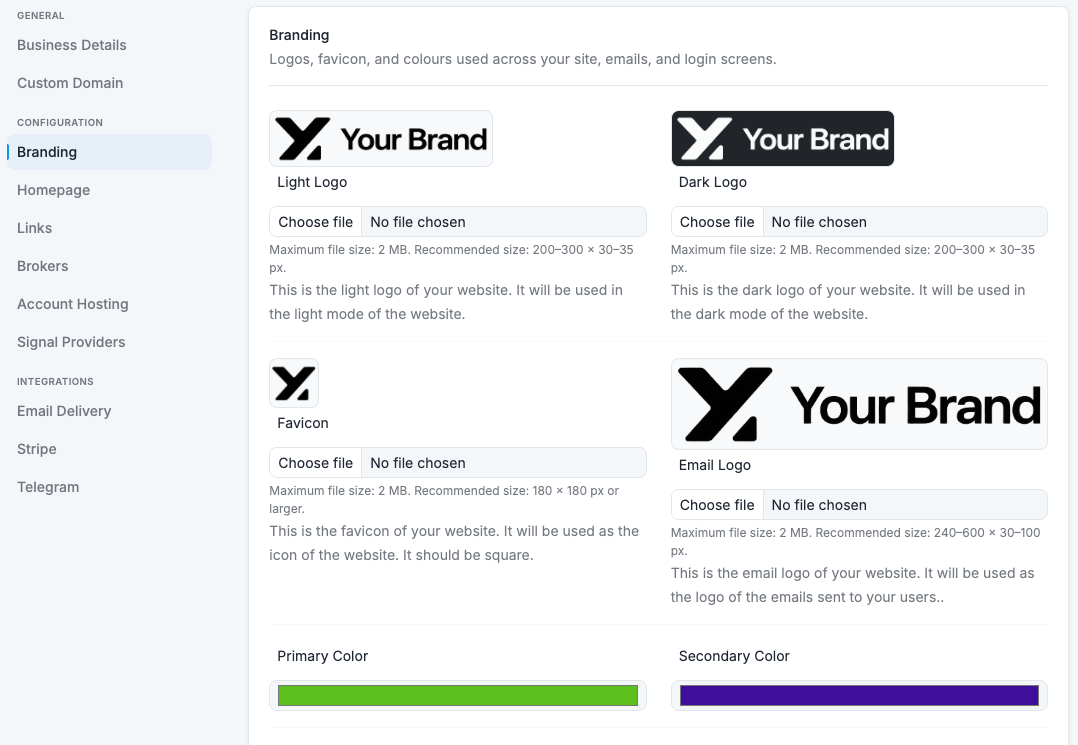
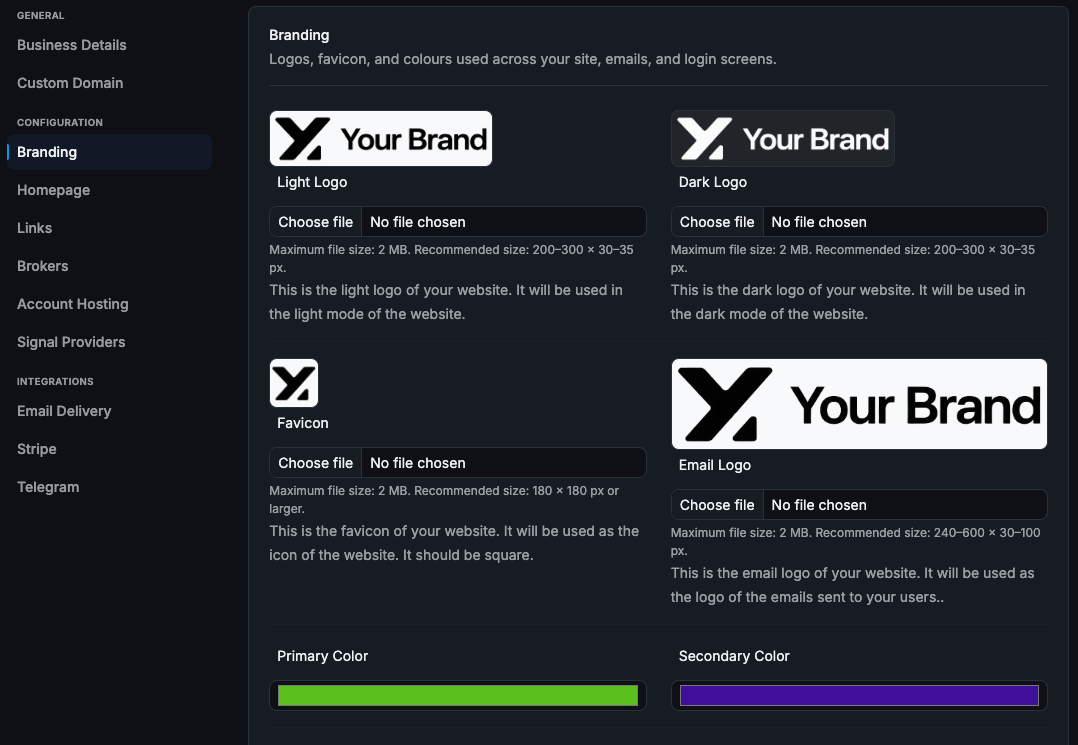
From their first visit to their next sign-in, give customers a consistent experience with your business. Introduce your services, connect your community, and make your trading platform feel like a natural extension of your brand.
Apply your business name, logos, colours, and favicon across your platform.
Use a simple content page or a structured landing page to introduce your business and guide visitors towards registration.
Update your branding, homepage content, links, and registration settings as your business develops.
Make your platform familiar to customers wherever they interact with your business.
Introduce your business with your own name and message.
Choose the logo displayed in your platform’s light theme.
Upload a separate version suited to dark backgrounds.
Add your brand icon to browser tabs and bookmarks.
Carry your visual identity into customer emails.
Apply your brand palette to the platform interface.
Choose light or dark as the starting preference for newly created customer accounts.
Connect your own domain and give your platform a branded web address.
Start with the default address created from your chosen website slug, or connect a domain such as portal.yourbrand.com. Your owner dashboard provides the DNS details, domain confirmation, and SSL status needed to complete the connection.
https://your-slug.tradeclan.comYour platform is available straight away at the address built from your website slug. You can connect your own domain when you are ready.
Already have a business website? Keep it as your main marketing site and use a branded subdomain for your customer platform.
Introduce your services in your own words, with two built-in homepage options.
Create a straightforward page using the content editor, with support for Markdown and supported HTML formatting.
Use it to introduce your business, explain your services, or give visitors a concise starting point.
The public homepage is optional. Disable it to send visitors arriving at your platform’s root address to the login page.
Your services, in your words
RegisterHelp customers find the resources and communities that support your services.
Registration
I agree to the terms and conditions
Add up to three links with your own labels and destinations. Direct customers to resources such as your main website, learning centre, or support portal. These links open in a new tab.
Connect your Facebook, Instagram, YouTube, X, Discord, and Telegram destinations so visitors can find your wider community.
Display your configured support email in the public website footer, alongside your business identity and social links.
Link to your own terms page. When a terms URL is configured, customers must agree to those terms during registration.
Make your customer emails recognisable as part of your business.
Upload a dedicated email logo and configure your own email delivery service to send platform messages from your business email address. Add a support address so customers know where to contact you.
A test-email option helps you check your configured delivery setup.
Explore customer communications

From: Your Business <you@yourbrand.com>
Reply to: support@yourbrand.com
Welcome to your platform
If your business works with a broker, add your broker or introducing-broker link and supporting promotional artwork.
For businesses working with selected brokers, separate broker-access settings let you restrict customers to specified broker servers.
You can configure your business name and description, light and dark logos, favicon, email logo, primary and secondary colours, and default theme. You can also connect a custom domain and personalise the available homepage sections.
No. Your platform has a default address based on your website slug. You can connect your own domain when you are ready.
Yes. You can keep your existing marketing website and use a subdomain for your trading platform. The built-in public homepage is optional.
The advanced homepage uses fields for your headlines, descriptions, button text, YouTube video, and testimonials. The basic homepage provides a content editor with Markdown and supported HTML formatting.
The advanced homepage uses a predefined layout. You can edit its hero, about, video, and testimonial content; the trading-feature and pricing sections follow the built-in design.
The advanced homepage includes pricing sections that reflect your configured payment model. Paid account options use the relevant configured prices, while the free model displays its account allowances.
Yes. The advanced homepage supports a YouTube video and up to three testimonials, including each customer’s name, subtitle, and quote.
Yes. You can add up to three custom navigation links, plus the supported social and community links.
Yes, after configuring your own email delivery settings. You can also upload an email logo and set a support address. Until custom email delivery is configured, messages use the platform’s default sender.
Yes. Homepage visibility and customer registration are separate settings. You can prepare your public website while keeping new account registration disabled.
Yes. Your branding and homepage settings remain editable. Changing the default theme applies to newly created customers without replacing existing customers’ saved preferences.
Domain changes are restricted while customer signal providers have connected payment integrations. Choose your intended domain before enabling those connections.
Bring your business identity, website, and customer platform together. Give customers a familiar place to discover your services, create an account, and return to your trading tools.


 Your site