

Daily reflections
Record the trading plan, market observations, mistakes, and lessons for a selected day.
Give customers a journal that brings trading results, strategy notes, and mindset together. Help them review each session, record their decisions, and build a useful history—all within your branded platform.
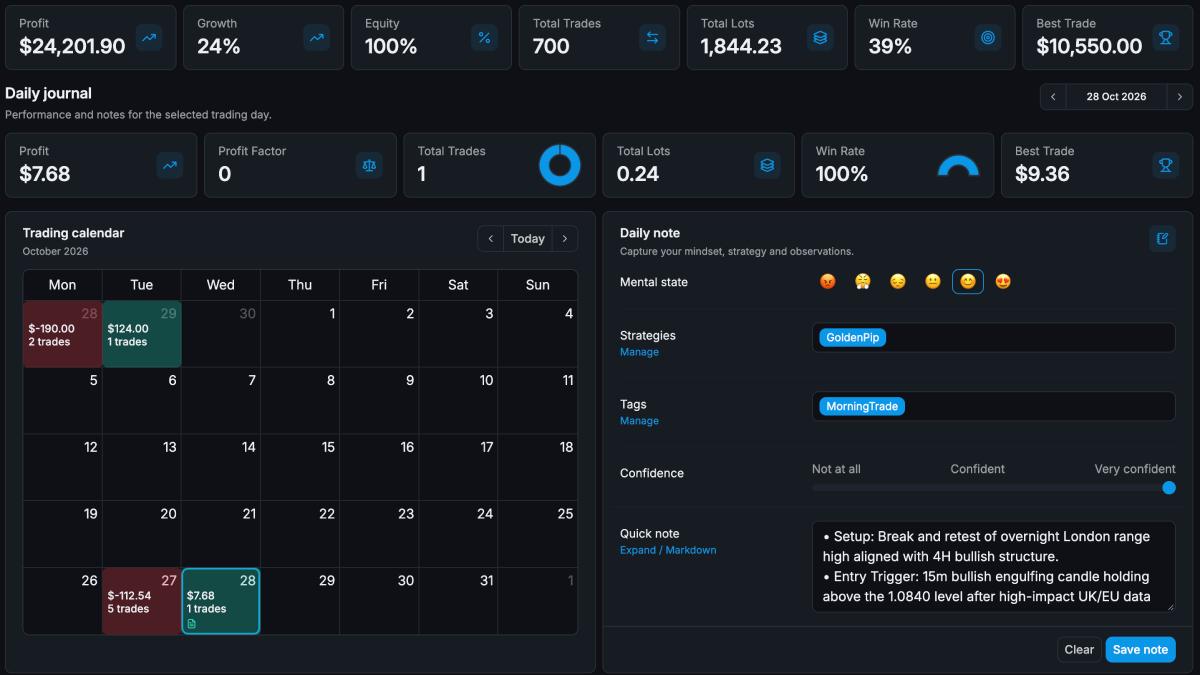
Results show what happened. A journal helps customers record the decisions behind them, bringing account data and personal observations into one clearer picture.
Populate the journal with available account history and calculated statistics, so customers can focus on reviewing trades and adding context.
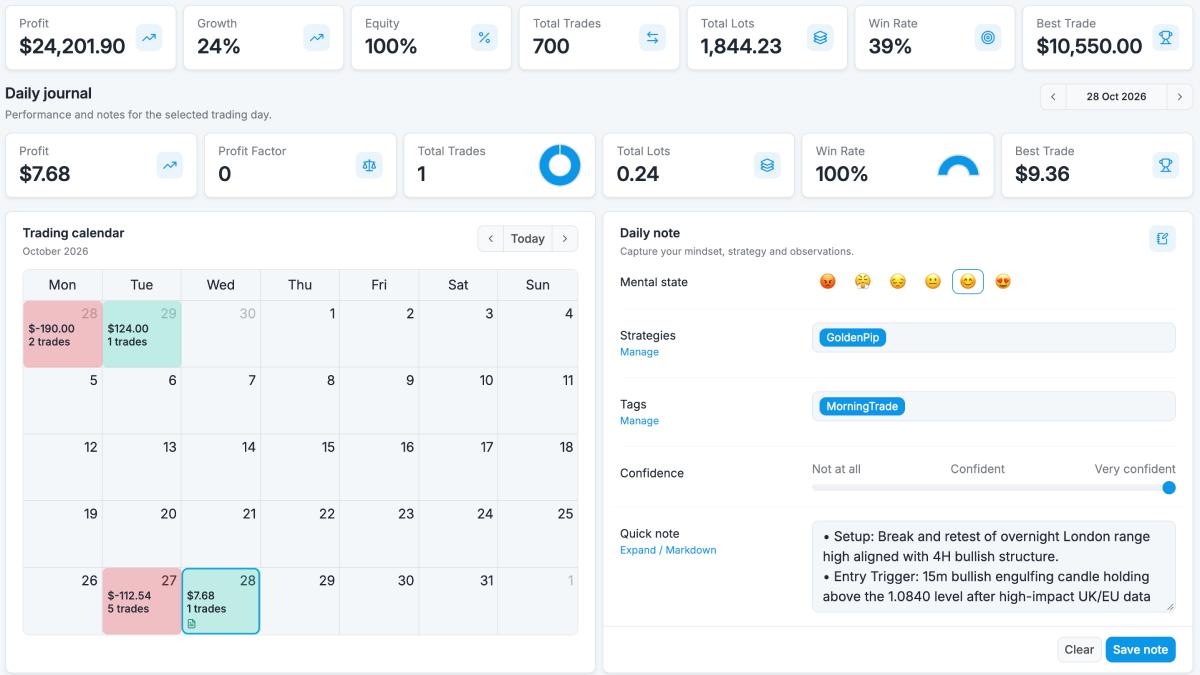
Show profitable and losing days, daily profit or loss, trade counts, and indicators for sessions that already have notes.
Keep the selected day’s results alongside a snapshot of the account’s overall performance.
Capture a short observation or open an expanded Markdown editor, then save, revisit, update, or remove notes.
Turn each journal entry into a useful record of what the customer saw, decided, and felt.
Record the trading plan, market observations, mistakes, and lessons for a selected day.
Keep the reasoning behind an entry or exit alongside the closed trade being reviewed.
Preserve the emotional context that a profit figure alone cannot show.
Capture how certain a customer felt when making a trading decision.
Create reusable labels and attach multiple strategies to a journal note.
Organise observations around setups, mistakes, market conditions, or any custom review process.
Give customers several ways to explore their results without leaving the journal.
Profit or loss, profit factor, trade count, total lots, win rate, and best trade
Winning and losing trades, alongside buy and sell activity
How individual instruments contributed to the day’s result
How trading activity was distributed across instruments
How results varied across the day
Results grouped by how long trades were held
All-time profit, growth, equity, trades, lots, win rate, and best trade
Help customers focus their review, then connect the details of each position with the context they recorded.
Inspect trades closed on the selected date and connect their results with the customer’s notes.
Display trade information alongside mental state, confidence, strategy labels, and tags.
Use trade search and available filters, then adjust visible table columns to suit the review.
Open a trade’s event history for additional context when reviewing its activity.
Built for a repeatable review habit
Customers can select a date directly, move backwards or forwards through trading days, and navigate the calendar. On smaller screens, the calendar switches to a weekly list for easier browsing.
Give your trading community a practical review tool that sits alongside accounts, analytics, and other platform services.
Open an eligible account’s journal and select the session to review.
Review daily statistics, symbol breakdowns, hourly performance, and trade duration.
Record notes, mental state, confidence, strategies, and tags for the day or individual trades.
Revisit earlier entries alongside their trading data to review decisions and recurring habits.
Clear answers about journal data, notes, calendar views, and account access.
Yes. The journal is part of your branded customer platform, alongside account management and analytics.
No. The journal uses available trading data from connected accounts. Customers add their own notes and context.
Yes. They can create a note for a trading day and separate notes for individual closed trades.
Yes. Notes include mental-state selection and a confidence rating.
Yes. They can create and manage labels, then attach multiple strategies and tags to their notes.
Yes. Customers can use a quick-note field or open an expanded Markdown editor.
It shows daily profit or loss, trade counts, and whether a daily note exists. Colour coding distinguishes profitable and losing days.
Yes. Daily charts include profit by symbol, trades by symbol, hourly performance, and trade duration.
Yes. They can navigate to previous dates, review saved notes, and update or remove them.
Yes. They can switch between eligible accounts and review each account’s journal separately. Signal accounts are excluded from the account journal.
Bring results, reflections, and structured notes together in the platform that carries your brand.